Music school software with everything you need to teach music.
Lessons, sheet music, chord sheets, courses, files, a recording studio and built-in practice tools — all in one place, for teachers, students, parents and admins. Here is the full tour.
Music Notation
Interactive Sheet Music Viewer
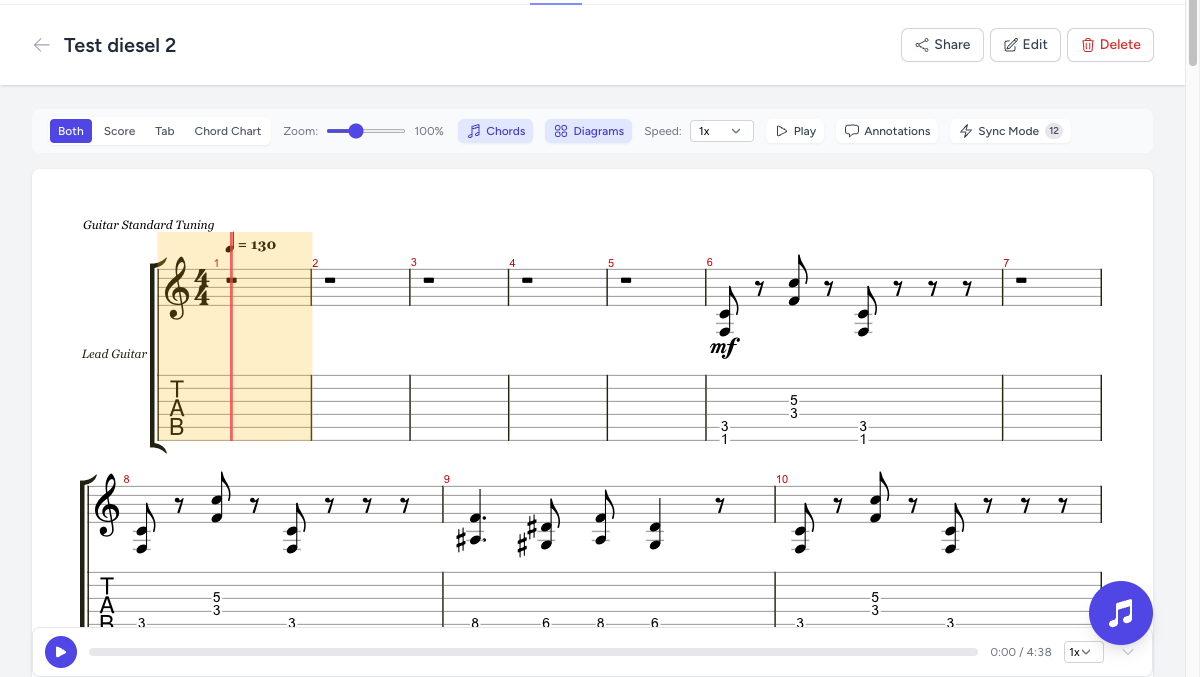
Upload Guitar Pro (.gp, .gpx, .gp5) or MusicXML files and they are instantly rendered as beautiful, interactive sheet music — score, tablature or both. Link a real audio recording and the cursor follows the music bar by bar.
Audio sync: real backing tracks glide bar-by-bar with the notation
Practice loops: drag across bars to loop tricky sections, with beat-level snapping
Playback speed from 0.25× to 2× in 5% steps, plus transpose on the fly
Bar annotations: leave notes on specific bars to guide home practice
Share & embed: password-protected public links and free iframe embeds
Score and tablature rendered in the browser, with synced playback.
Lyrics & Chords
Chord Sheets with Audio Sync & Chord Diagrams
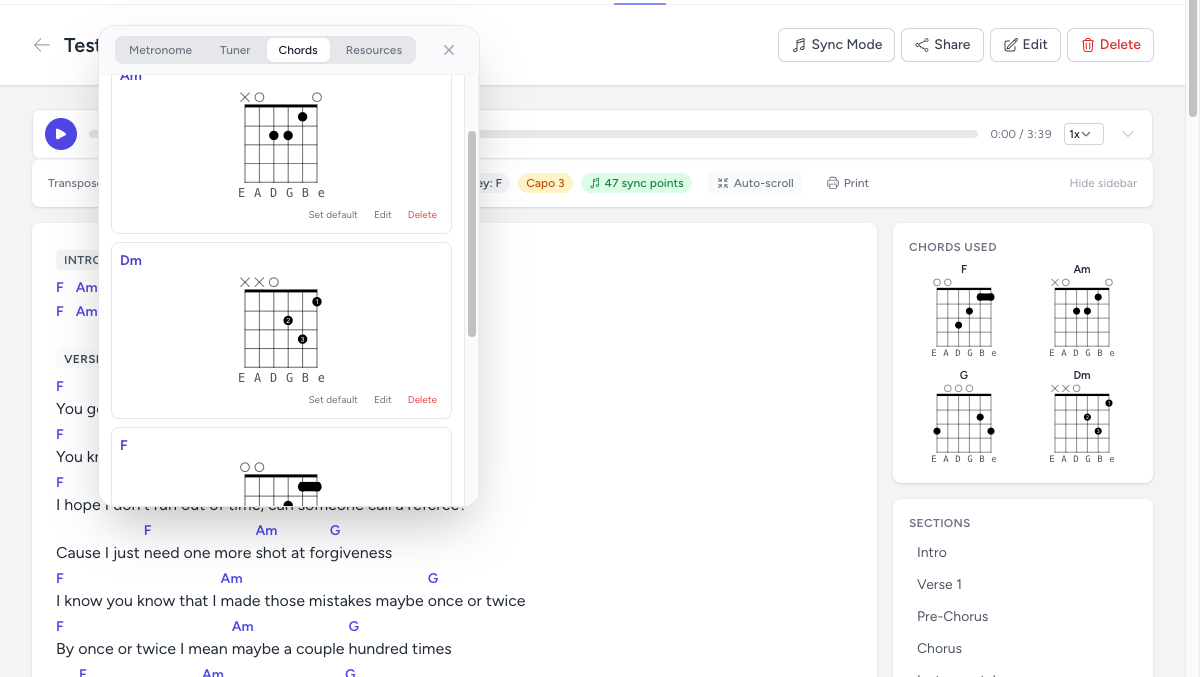
Paste lyrics with chords in plain text and Exerzisor renders them beautifully, with the currently playing chord highlighted in sync with the attached audio. Auto-scroll keeps hands free for the instrument.
Chord sheets with synced audio, section navigation and diagram sidebar.
Teaching
Rich Lesson Builder & Courses
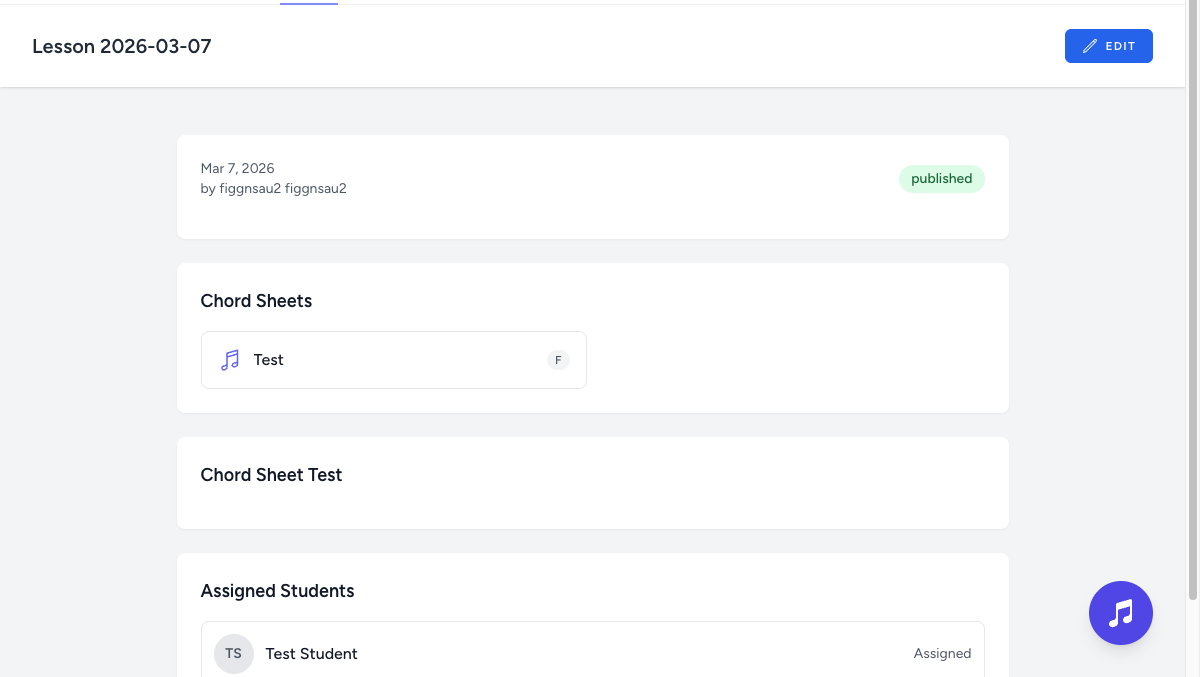
Build structured lessons with rich text, sections, attached files, sheets and chord sheets — assigned to individual students or groups. Group lessons into multi-module courses students work through step by step.
Draft & publish workflow with autosave every few seconds and crash recovery
Templates with required sections, plus per-teacher template policies
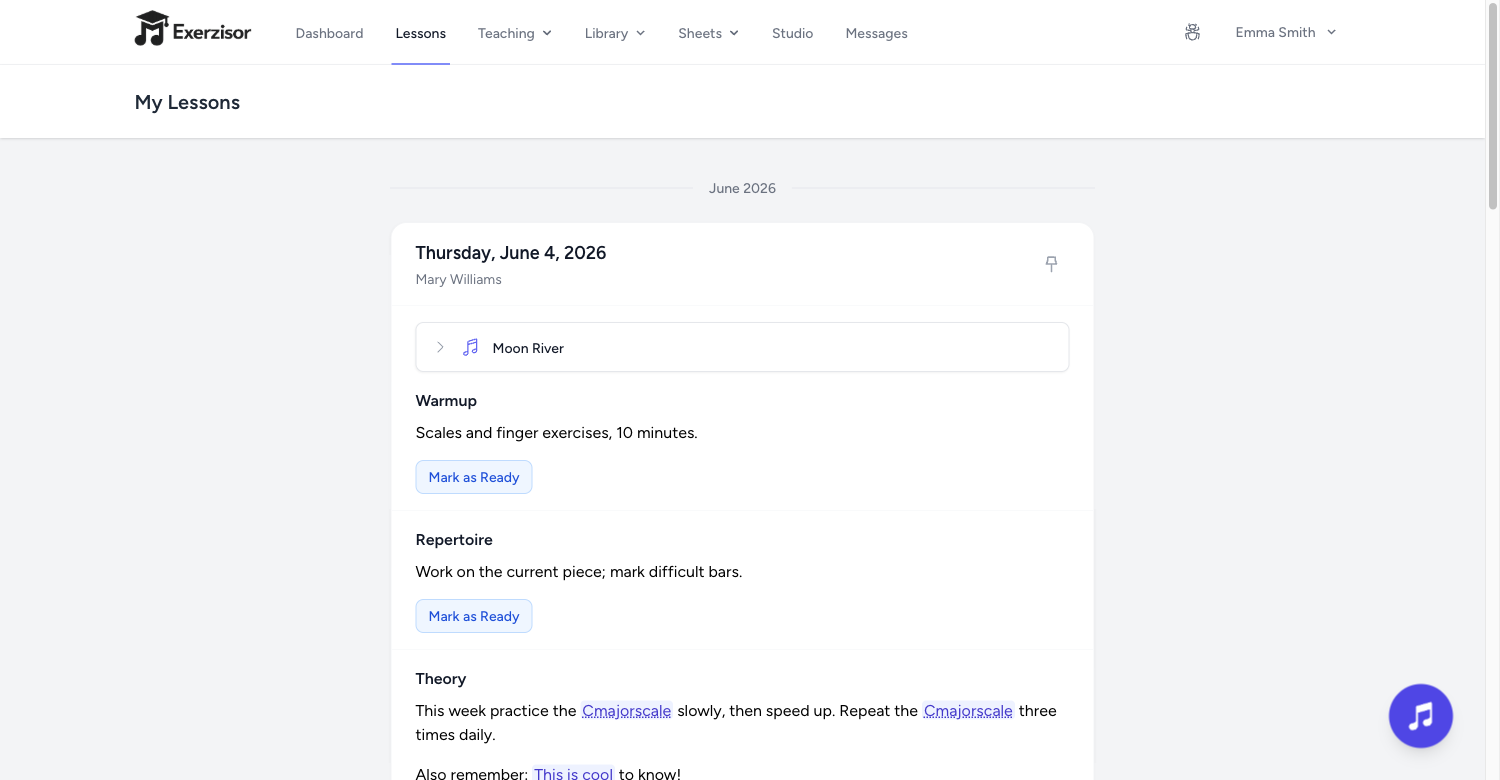
Section completion: students mark sections ready, teachers confirm
Private student notes per section, visible only to student and teacher
Courses with modules, difficulty levels, enrollment and completion tracking
The lesson builder: sections, files, sheets and student assignments.
Recording
Multi-Track Recording Studio
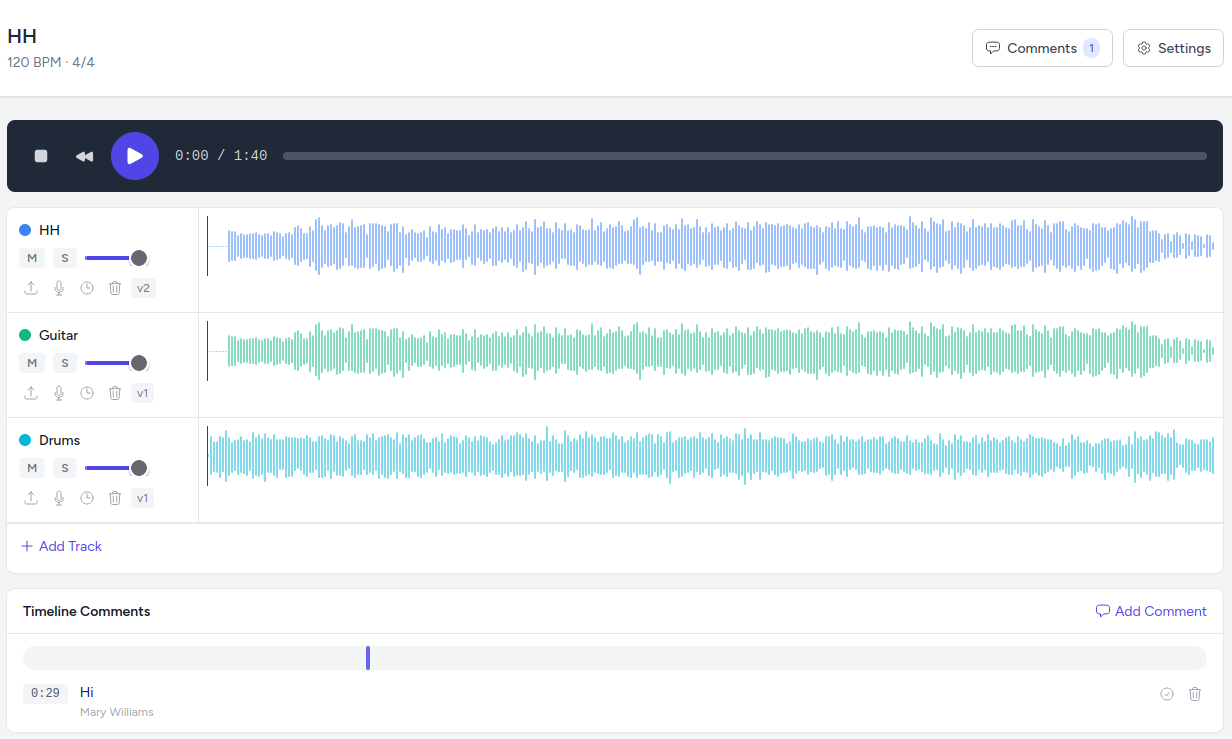
A full digital audio workstation built right into Exerzisor. Students record takes from their microphone or upload stems; teachers review and leave timestamped comments directly on the timeline.
Unlimited tracks with per-track volume, pan, mute and solo
Timestamped comments: click a comment to jump to that moment
The recording studio: multi-track playback, waveforms and feedback.
Games & Drills
Practice Games
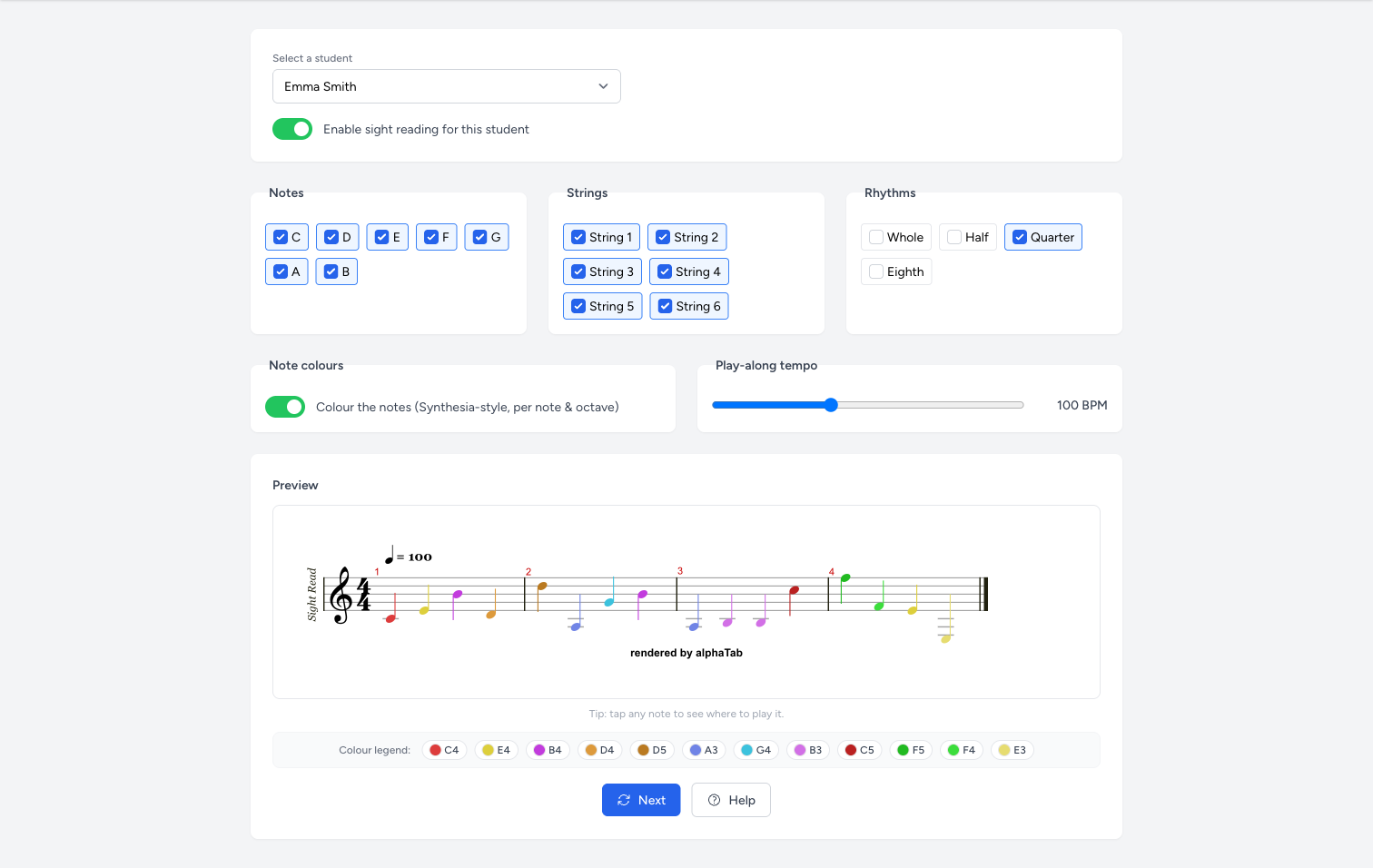
Turn note reading and chord changes into games. Teachers configure exactly which notes, strings and rhythms each student gets — Exerzisor generates endless fresh exercises, rendered as real sheet music.
Sight Reading: endless randomized four-bar exercises with play-along and count-in
Chords Practice Game: a chord-change trainer with metronome, chord diagrams and audible playback
Melodic Voice Leading: connect arpeggios across progressions like ii–V–I and 12-bar blues
Per-student settings and live preview — enabled individually by the teacher
Game time counts toward practice statistics automatically
Sight Reading: endless generated exercises, tailored per student.
Engagement
XP, Trophies & Streaks
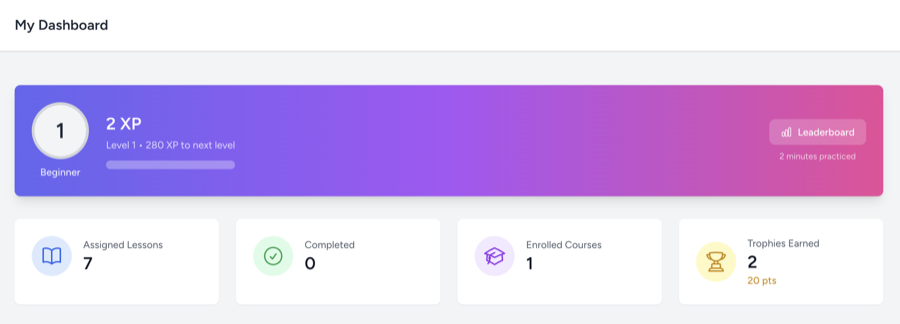
Every minute of active practice earns XP — across 50 levels from Beginner to Grand Master. Trophies, day streaks and an optional leaderboard make progress visible and practice a daily habit. This is the heart of how Exerzisor fights student churn.
1 XP per practice minute, 50 levels in 7 tiers
Trophies: awarded manually or automatically on milestones — retroactively too
Day streaks with a flame chip on the student dashboard
Pseudonymous leaderboard: students join with a game name and one of 24 avatars — teachers see real names behind aliases
The XP dashboard: levels, trophies and streaks at a glance.
Insights
Statistics & Practice Insights
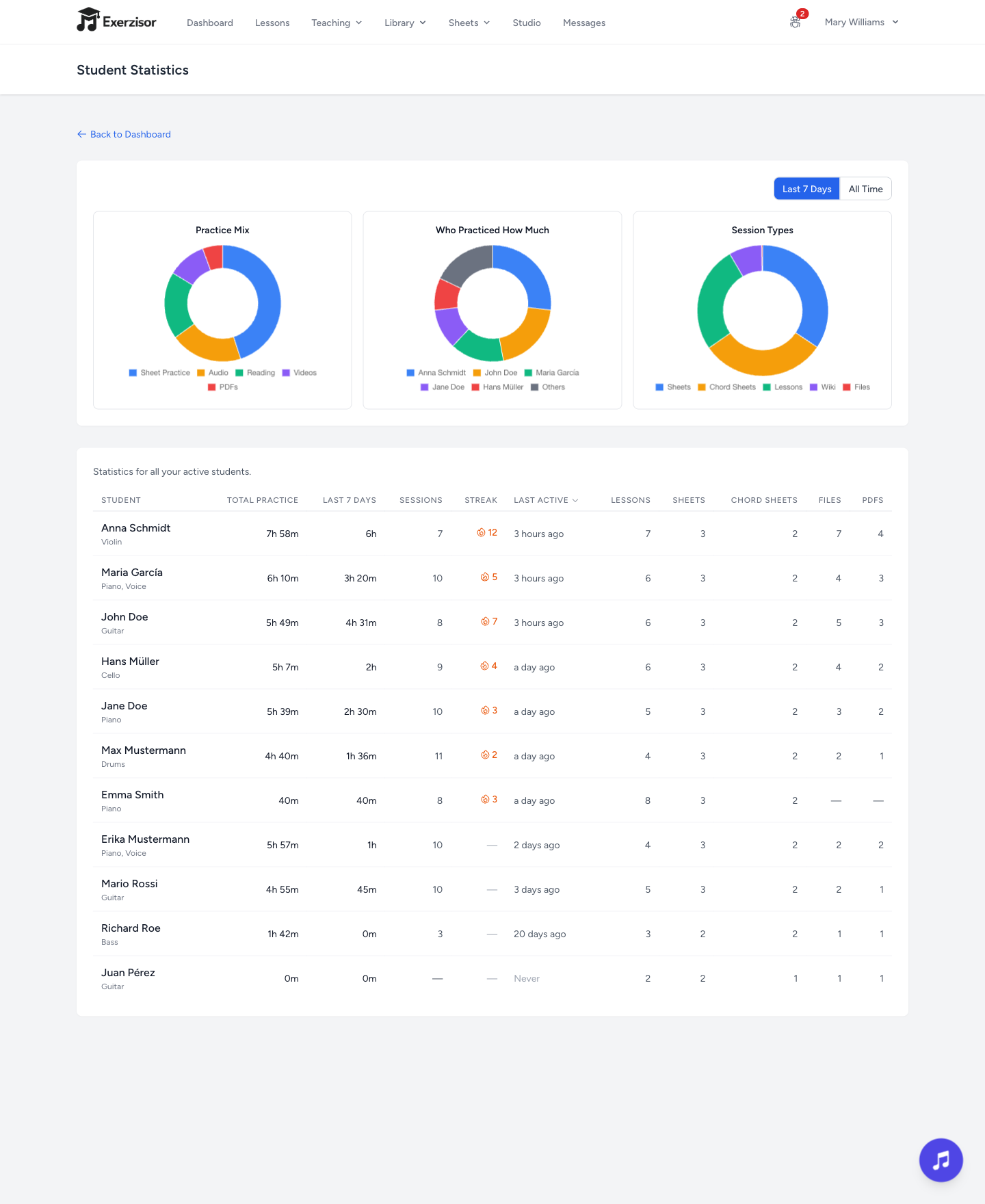
Practice minutes are tracked automatically and precisely. Teachers see who practiced, how much and on what — and can spot who needs encouragement before motivation fades.
Per-student rows: total practice time, last 7 days, sessions, streak, last active
Donut charts: practice mix by activity — lessons, sheets, recordings, games
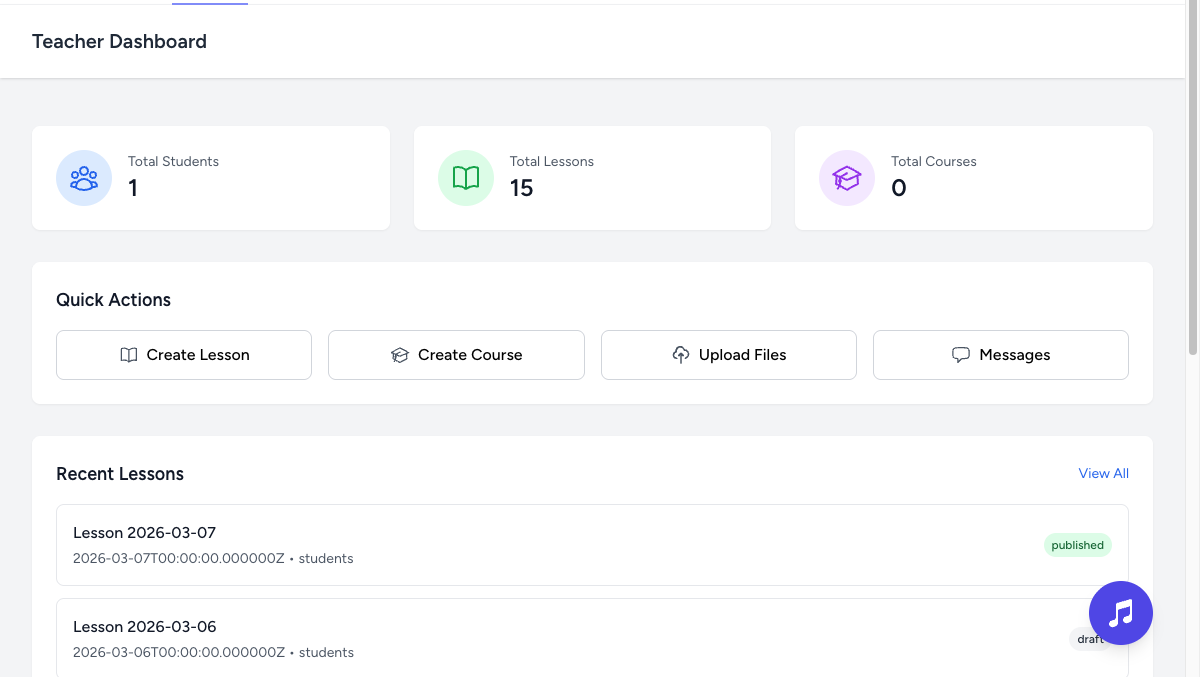
Top Students widget on the teacher dashboard
Spidey-Sense alerts: optional messages when a student hasn't practiced for days or drops well below their usual level
The statistics page: practice time, sessions and activity mix per student.
File Management
File Manager & Wiki Knowledge Base
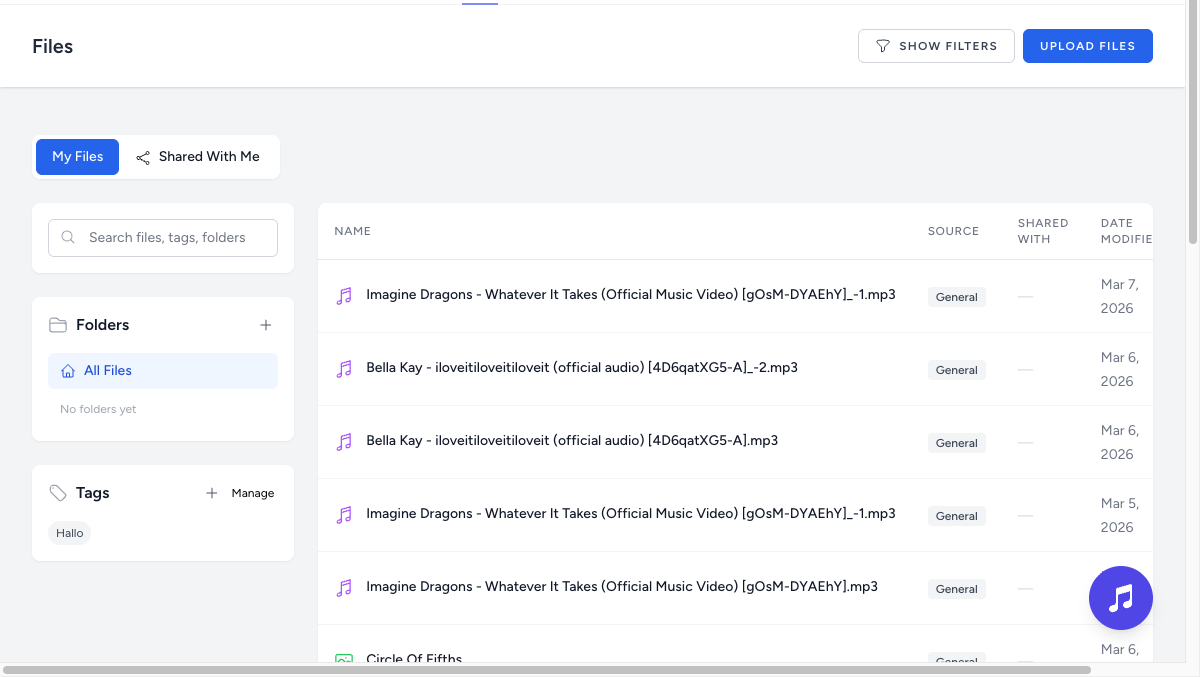
A Google Drive-style file manager made for music schools: audio and video convert automatically in the background, everything is shareable with specific students or school-wide, and a built-in wiki keeps your school's knowledge in one place.
Auto-conversion: audio → MP3 320 kbps, video → MP4 up to 720p
Folders, tags and live search across names, descriptions and students
Inline preview of PDFs, images, audio (waveform player) and video
30-day trash with full restore, plus per-file download restriction
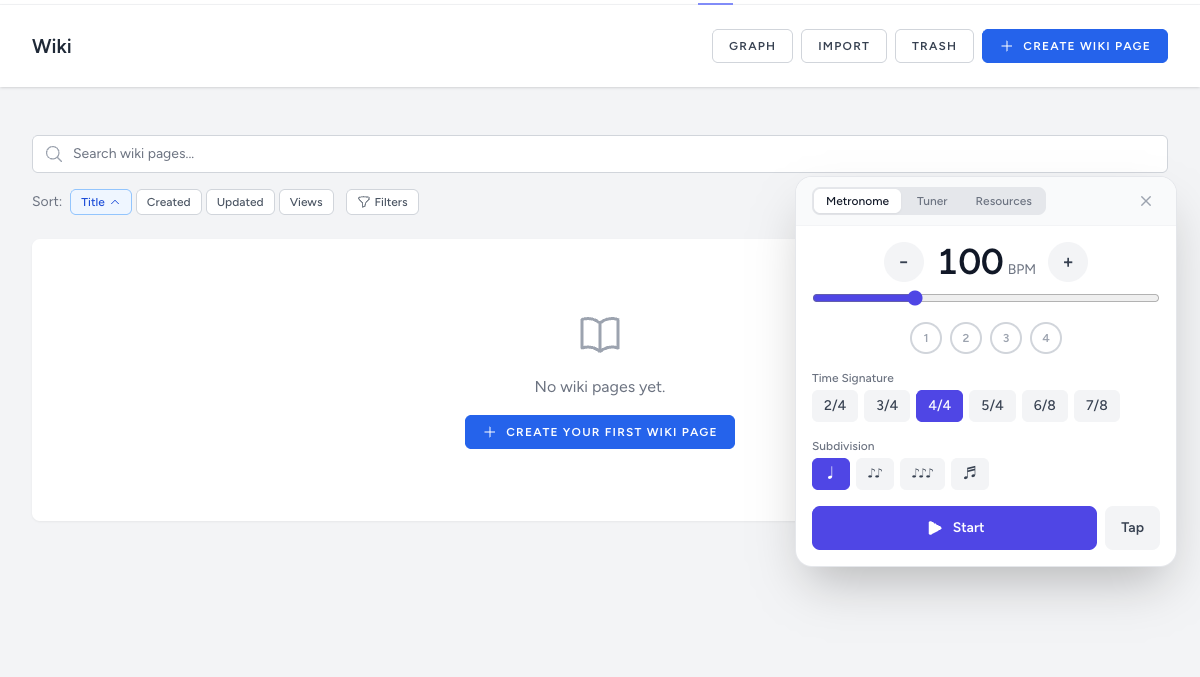
Wiki with wikilinks, backlinks graph, version history and four visibility levels
The Music Toolbox: metronome, tuner, chords, fretboard and chat.
Communication
Messaging & Parent Portal
Direct one-on-one messages between teachers, students and parents — right in the Music Toolbox. Parents get a zero-setup, read-only portal to follow their child's lessons, trophies and progress.
Parent portal: read-only view of dashboard, lessons, courses, trophies and XP
Parents can message their child's teacher and read the child↔teacher thread
Strict privacy: parents only ever see their own child's conversations
8 customizable email notifications — from lesson published to trophy awarded
The student lesson timeline — what parents follow in the portal.
Administration
Powerful Admin Console
Admins manage the whole school from one dashboard: users, instruments, locations, feature toggles, analytics and backups — built for real music school operations.
CSV bulk import with duplicate detection and preview
Registration codes with usage limits, expiry and preset location/instrument
Feature flags per school: toggle courses, wiki, chat, trophies, studio and more
Activity analytics, storage dashboard and on-demand database backups
Student accounts without email — username-only login for kids