Loose, scattered worksheets make students feel like they are wandering through a maze. Seeing a clear curriculum path keeps them motivated. We built the Courses feature to help teachers organize separate lessons into ordered modules.
Now, you can build step-by-step courses, set difficulty tiers (Beginner, Intermediate, Advanced), and track student progress on a clean dashboard.
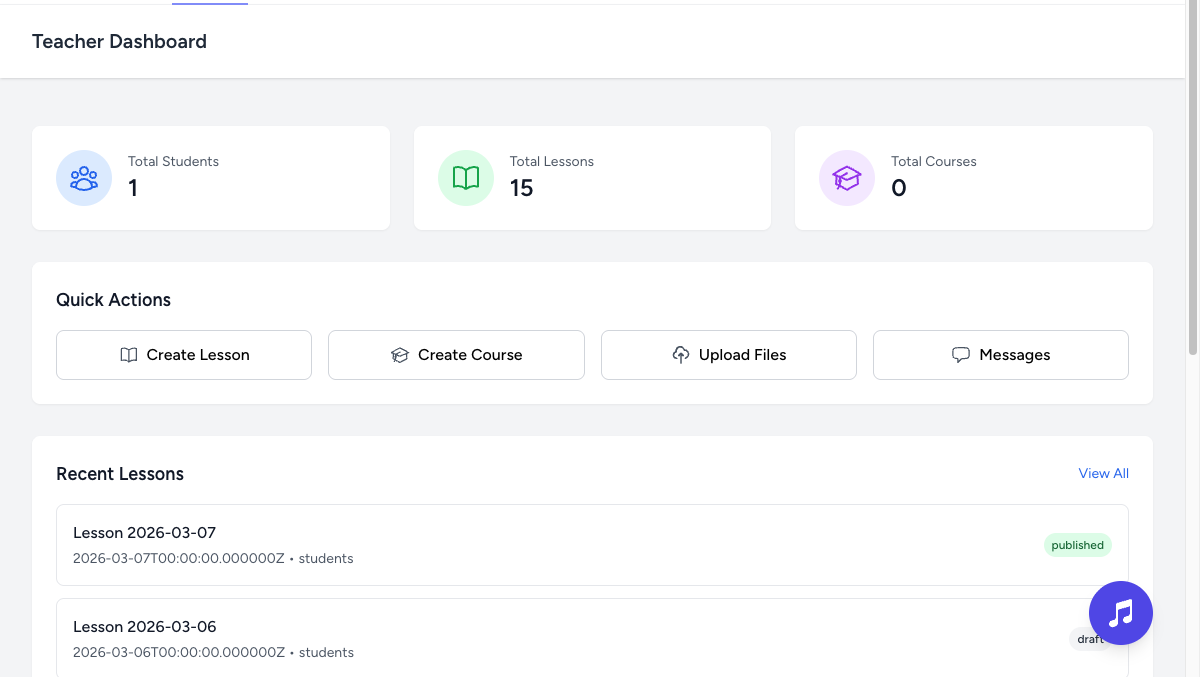
Track enrollments and active time
See exactly who is enrolled in your courses, their completion percentage, and the active minutes they've spent practicing. This gives you high-level visibility into how your students are moving through your curriculum.
Modular curriculum design
- Sequential learning: Group lessons into modules that students work through step-by-step.
- Visibility workflows: Keep courses as drafts while you refine them, publish them to your school, or archive older versions.
- Targeted difficulty: Tag courses so students can easily find lessons that match their current playing level.
Bring structure to your teaching. Map your curriculum, monitor progress bars, and guide students step-by-step.